Stay with the writing task
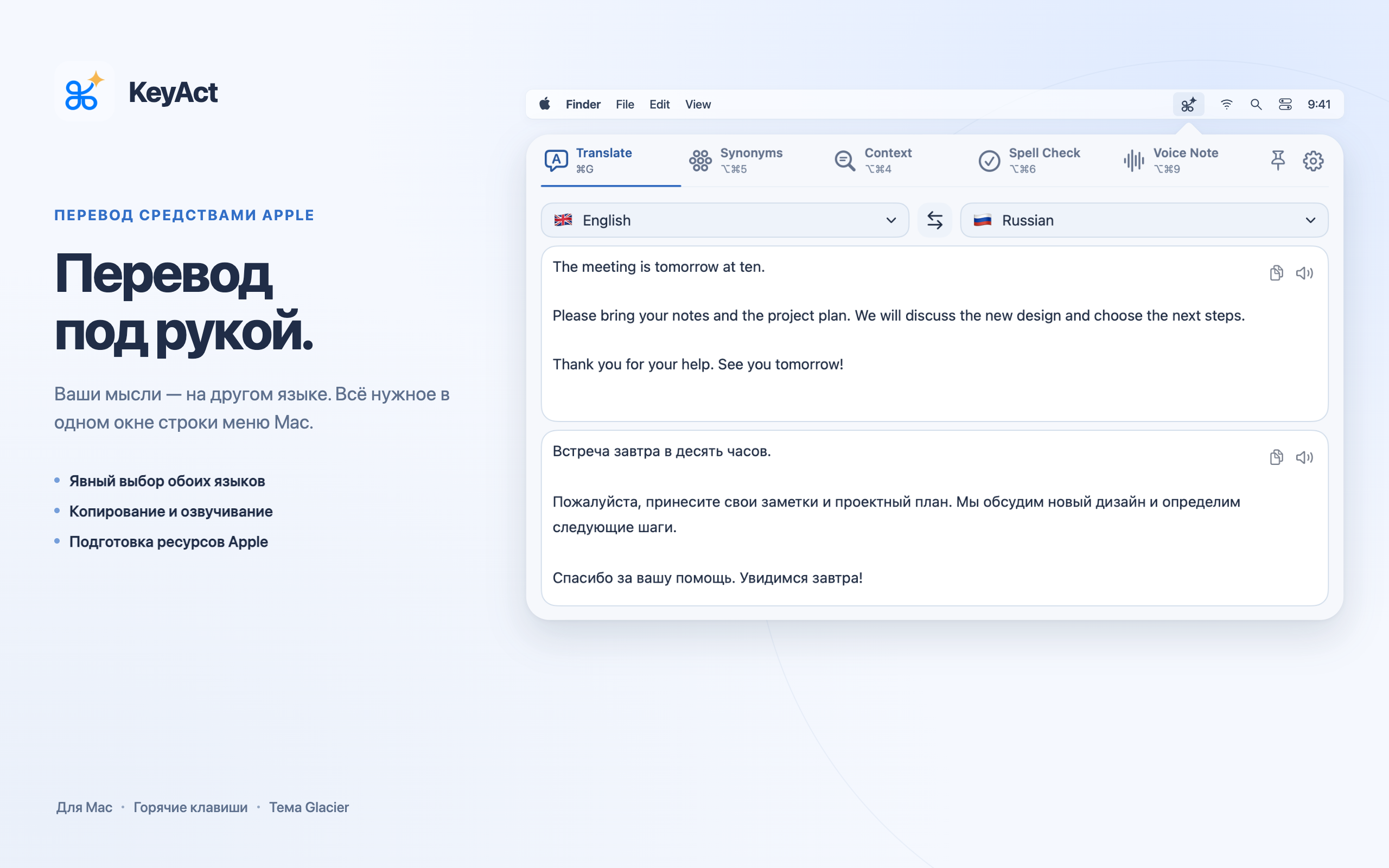
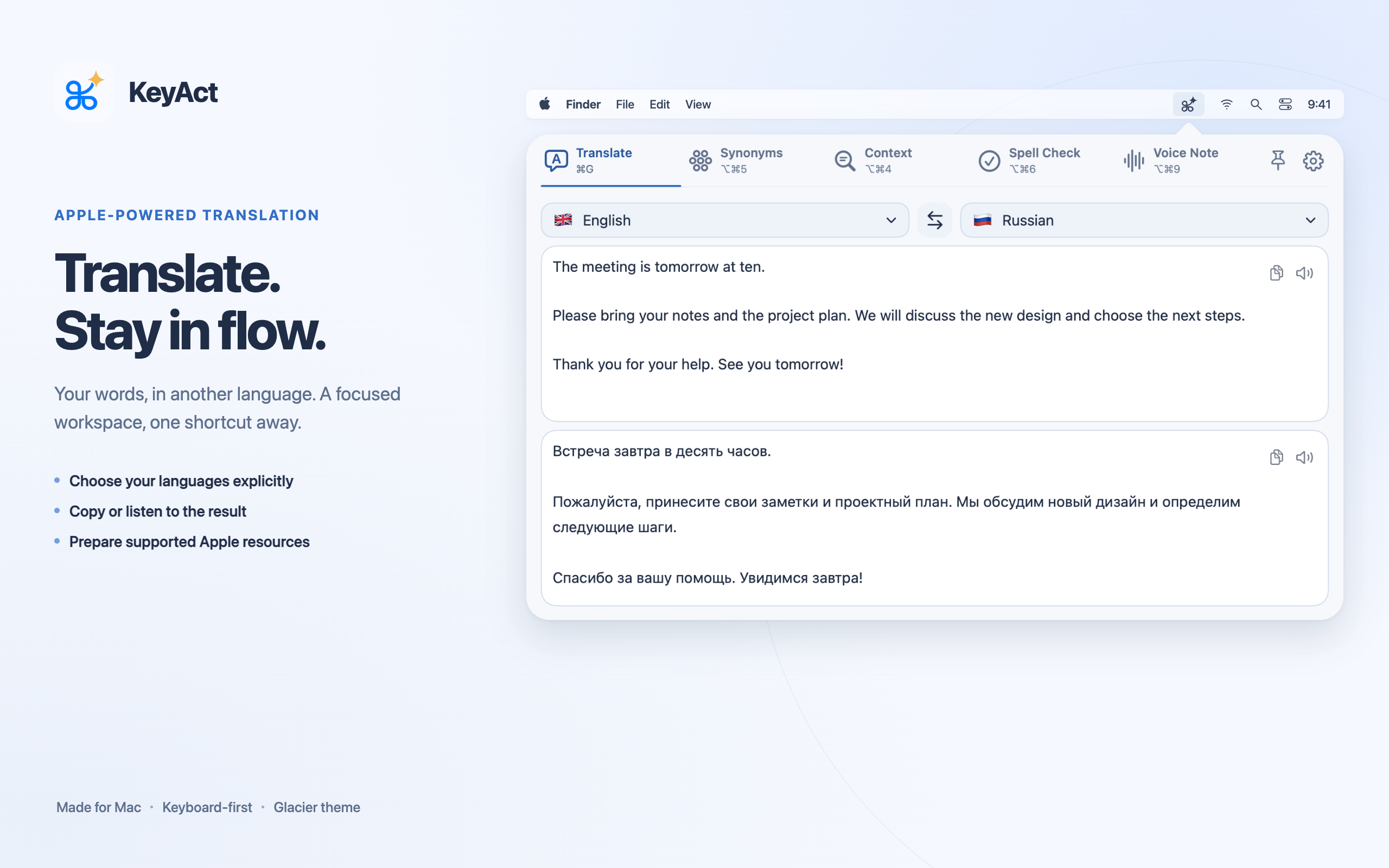
Select languages, translate, and use the result without moving to a browser dashboard.
For editors and testers
KeyAct puts Apple-powered translation, word tools and local voice notes in the Mac menu bar, with explicit language choices and keyboard access.
Select languages, translate, and use the result without moving to a browser dashboard.
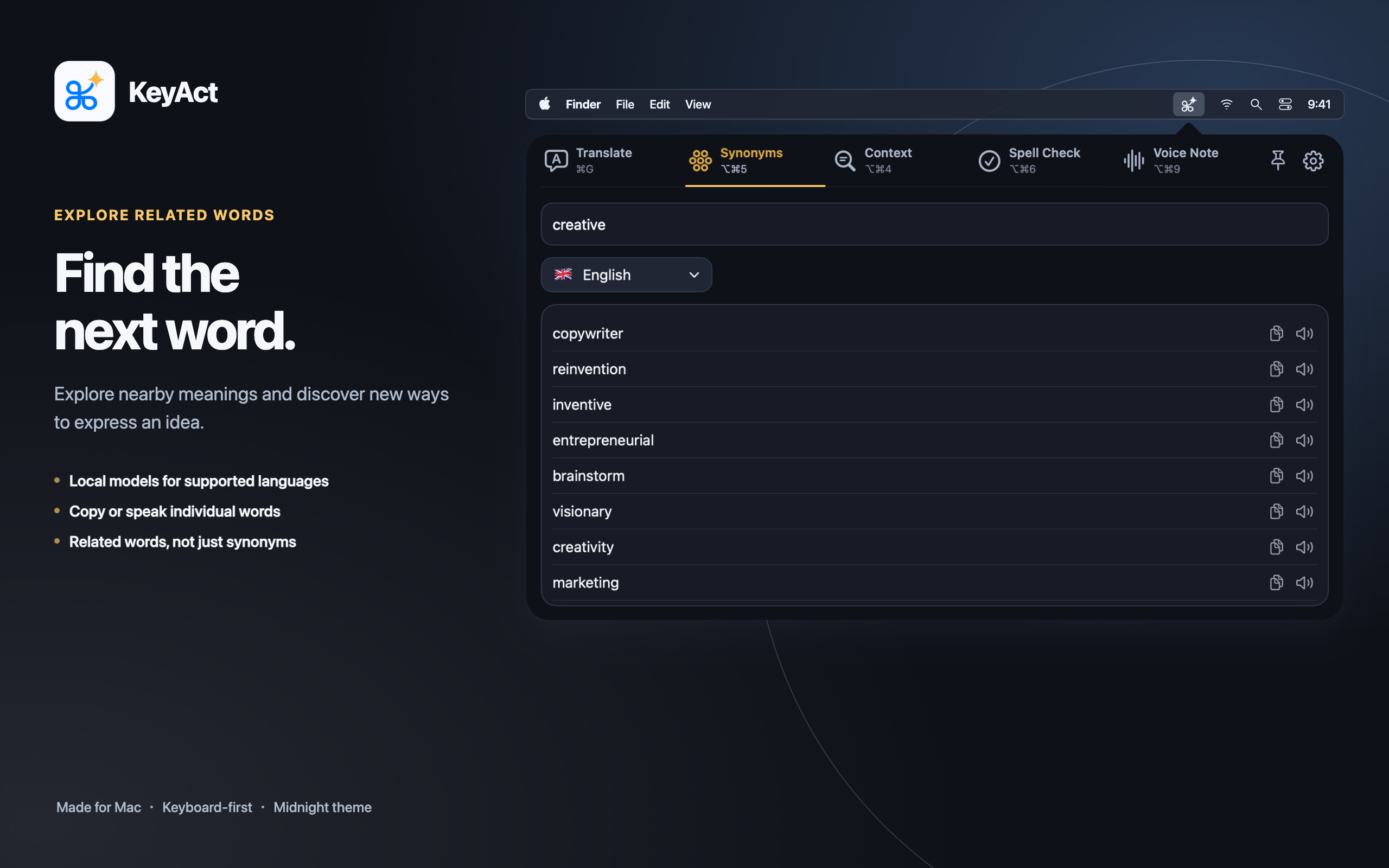
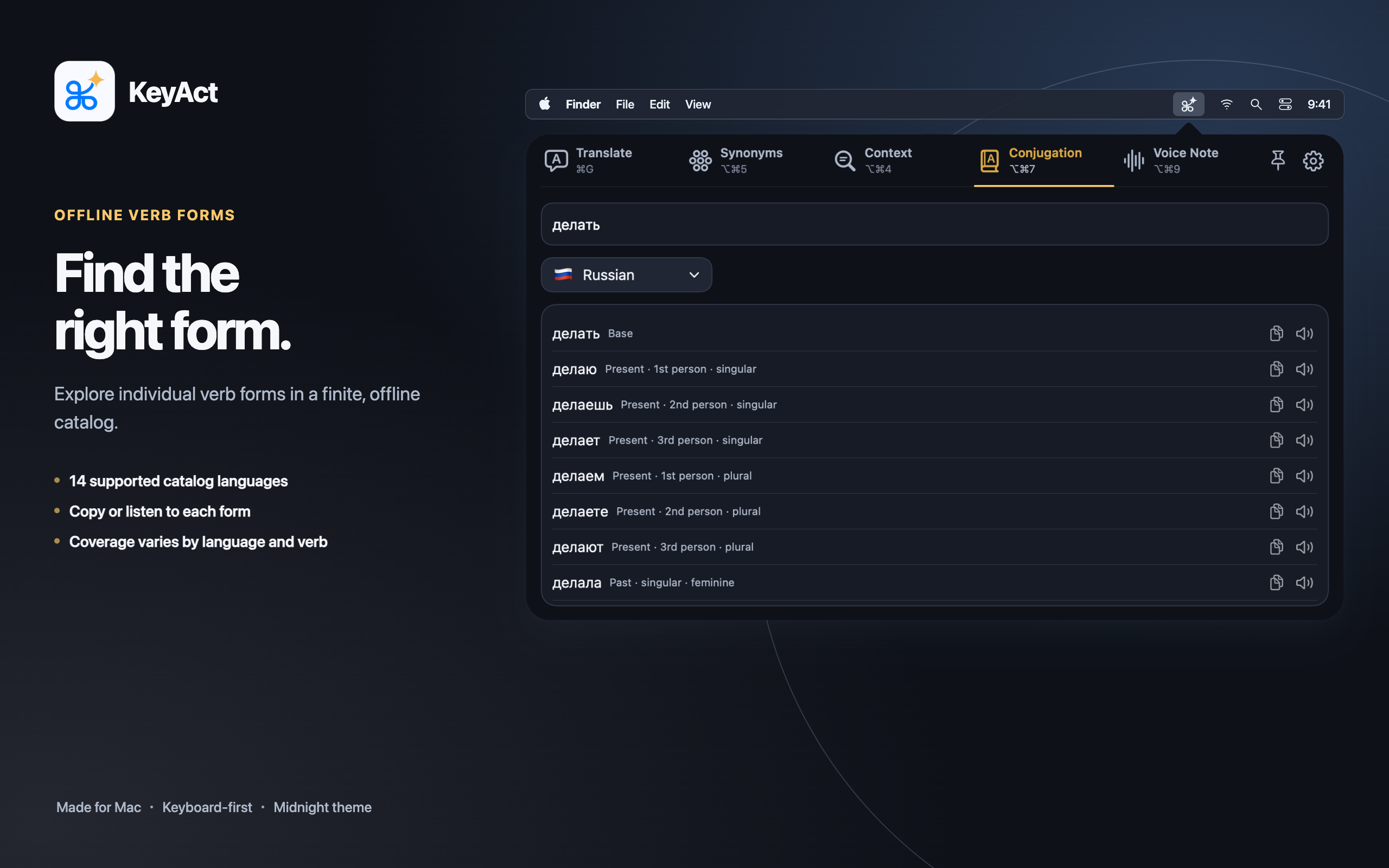
Compare related words, inspect word classes and copy or speak an individual result.
The resource assistant distinguishes installed, available and unsupported capabilities instead of silently changing the language.
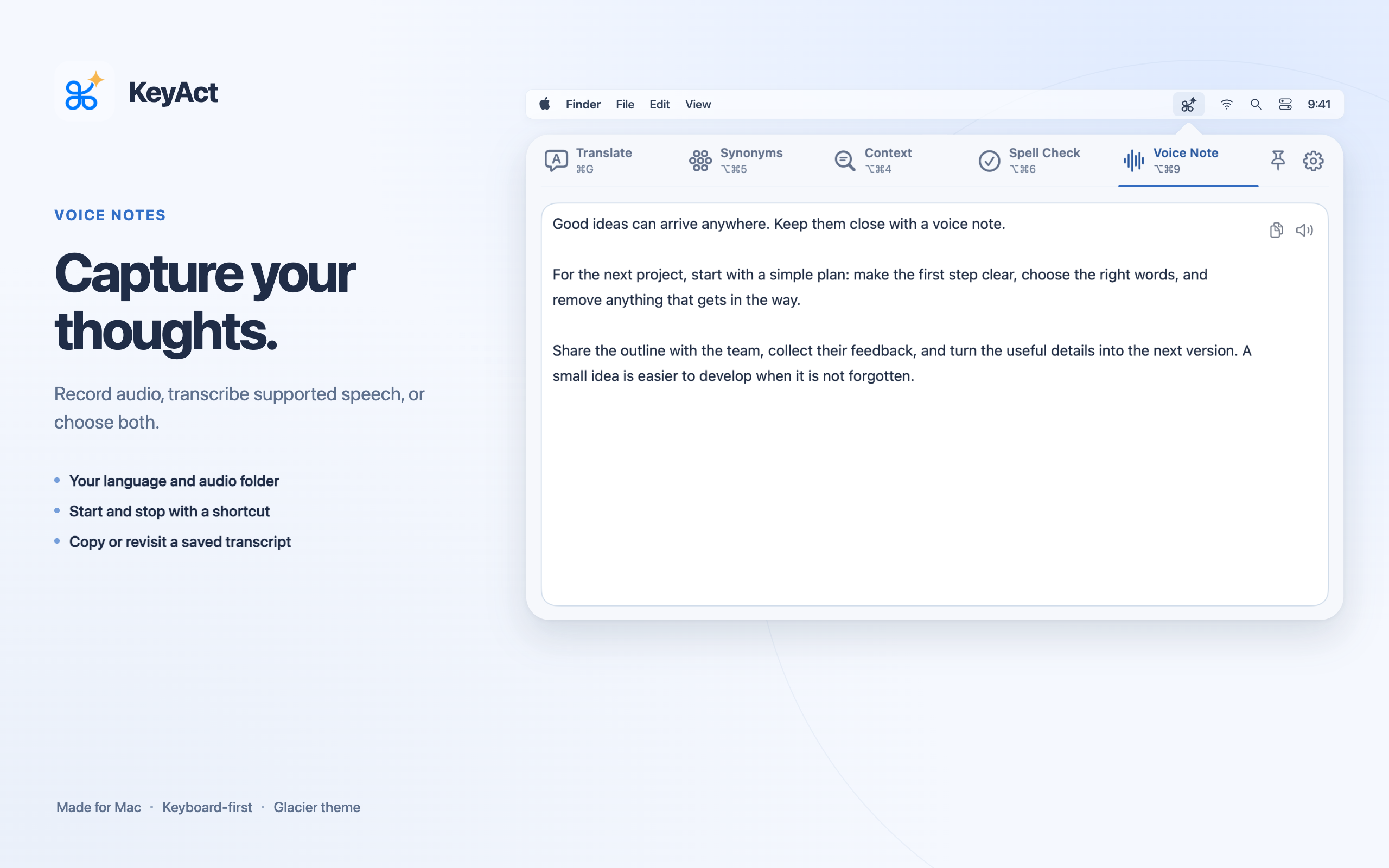
Choose the recognition locale, audio location and whether to save audio, transcription or both.
These images may be used to describe KeyAct. Retain the product identity and do not imply capabilities beyond the accompanying facts.
The sandbox App Store edition uses manual input or the clipboard, URL/HTTP actions and user-installed executable scripts. Typed shell commands and Accessibility-based selection belong to the separate full local edition. Do not describe the App Store edition as an unrestricted terminal.
No KeyAct account, advertising or usage analytics. Optional technical error reports are off by default and use Sentry when enabled. Optional online lookup contacts Wiktionary; see the privacy policy. Offline language support is not universal. Voice Note records inside KeyAct, rather than dictating into other apps.
For testing access, corrections or press questions: admin@raindigit.ie. Include the platform and version you want to test; never send private text, credentials or recordings.