Define a useful check
Choose a method, expected HTTP status, timeout and interval for each URL. Checks run directly from your Mac, including reachable endpoints on your own network.
Create your first endpoint →Ping Light · macOS 13 or later
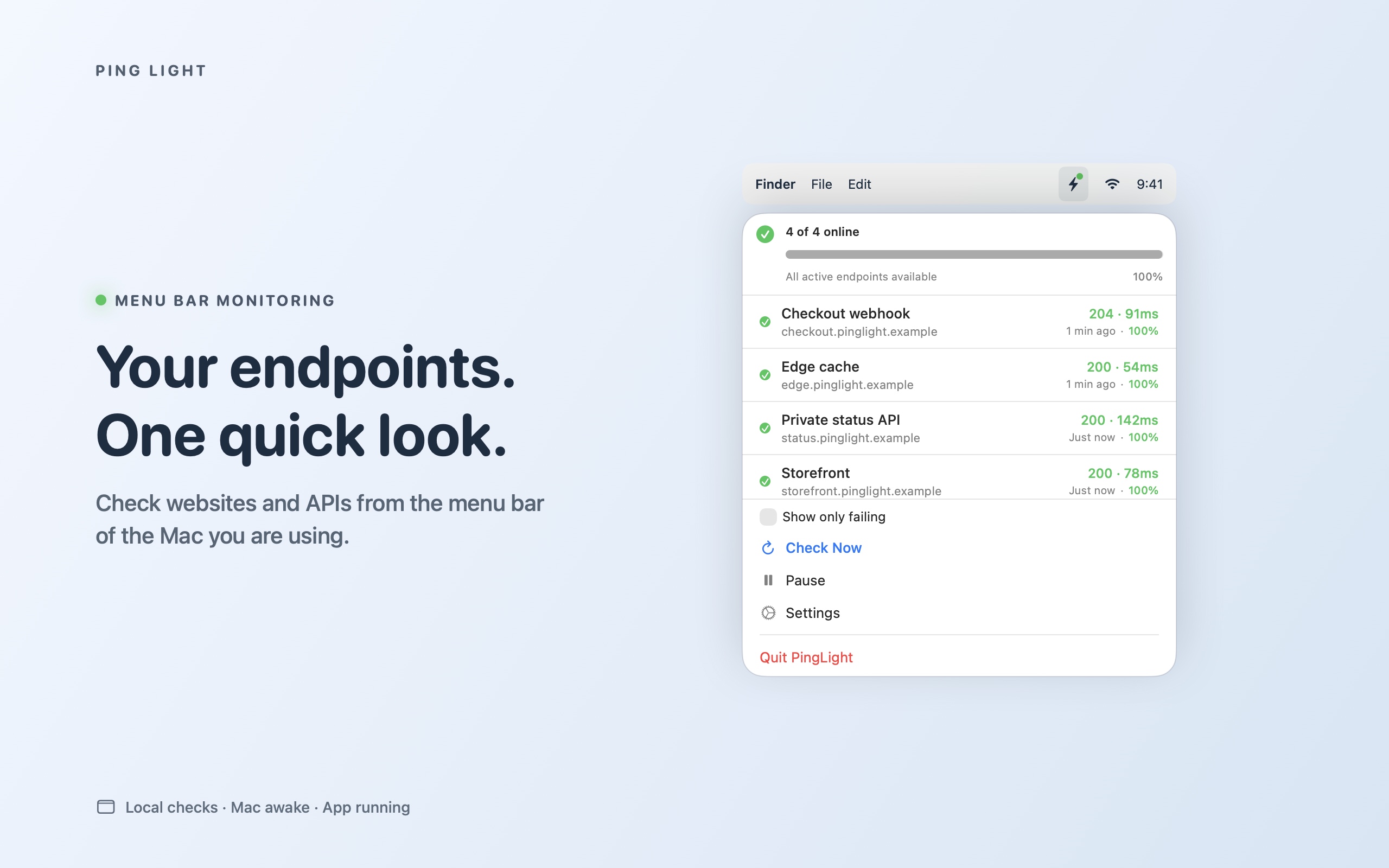
Check websites and HTTP APIs from your Mac menu bar. Set the response you expect, see recent checks, and receive failure and recovery alerts without opening a dashboard.
Choose a method, expected HTTP status, timeout and interval for each URL. Checks run directly from your Mac, including reachable endpoints on your own network.
Create your first endpoint →The menu-bar status and recent results show what happened. macOS notifications can alert you when a configured endpoint fails or recovers.
Set up notifications →Basic-auth credentials and bearer tokens use macOS Keychain. RainDigit does not receive your endpoints, credentials or check history.
Read how data is handled →Inspect recent results, response times and statistics. Import or export configurations as JSON; review exports before sharing.
Export safely →Local monitoring, not a 24/7 cloud service. Checks require Ping Light to be running and your Mac to be awake and connected. Sleep, a closed app, loss of internet or denied network permissions can interrupt checks.
For continuous monitoring while your Mac is off, use a separate always-on service. Ping Light is for a quick, local view of the endpoints you can reach from this Mac.